Image Detector AI flagged the cropped version of my photo but not the original. I was checking a picture of a cracked solder joint before posting it, and cropping out the rest of the board was the only edit I made. It’s annoying because the crop is the one where you can actually see the crack.
Do you usually check the original camera file, the exact image you’re posting, or both? What makes that choice useful when the results disagree?
Has your editor re-saved the cropped image? It is possible that in addition to cropping, export settings were also altered. In which case it will not be solely the crop that should be blamed for increased compression.
I’d run both files through the Free Ai Photo Detector, starting with the exact file you plan to post. That tells you how it reads the close-up. The camera file gives you a comparison: in your case, the verdict changes between two versions of the same shot. Neither result tells you whether the crack is real.
First include a photo of the area (to highlight the fracture). Also attach a copy of this with an indicator on where the joint is. This then allows the reader to clearly identify both the joint and its position on the board. This is more helpful for considering how best to fix it than references to the detector findings.
Whilst there is an alternative verdict, the editor has not reworked the pixels within the gap. Even so, what was previously a minor section of the board has now become predominantly of the image. Please email me the crop for an analysis of its impact.
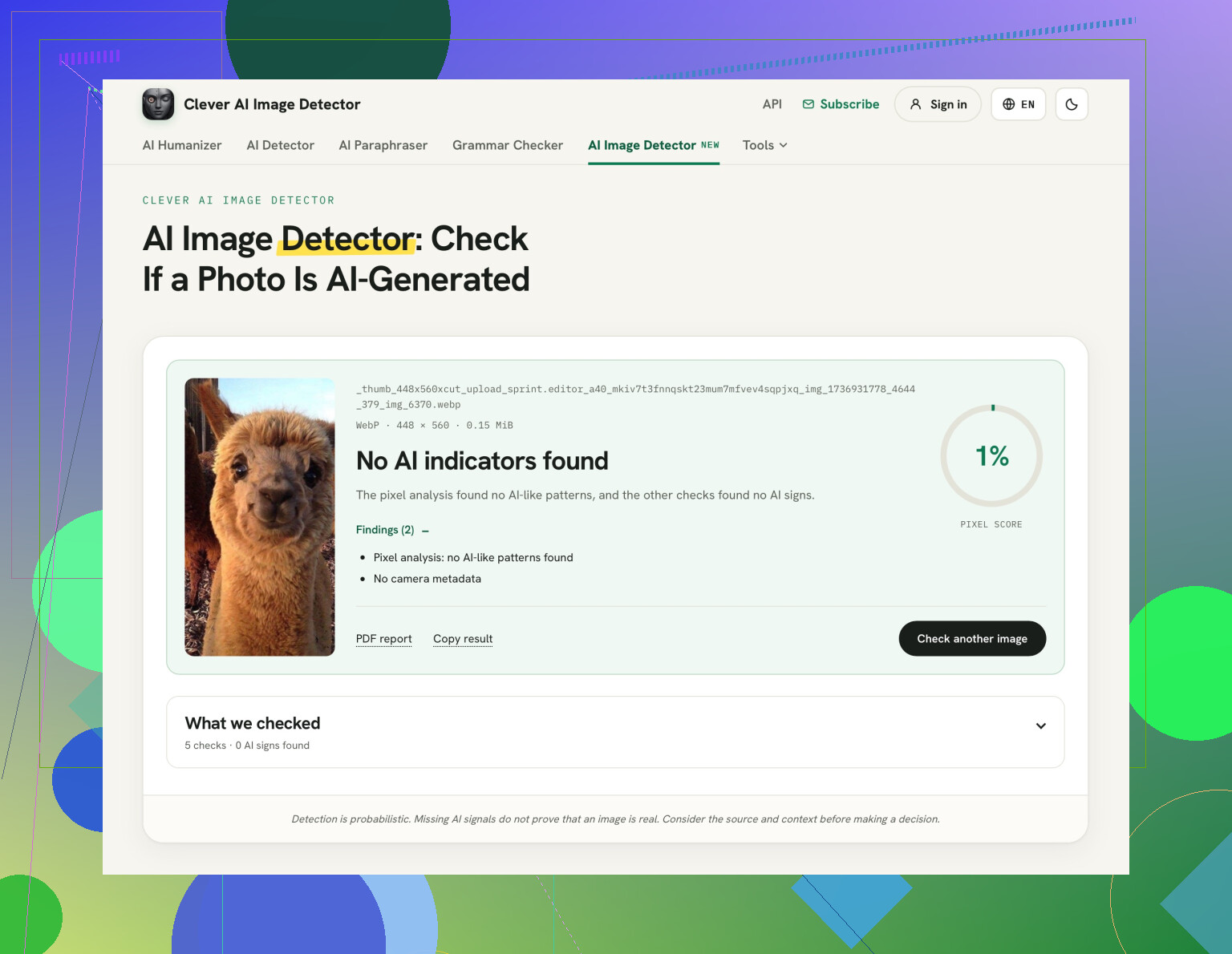
I’d use Clever AI Photo Detector for its “What we checked” breakdown. It separates the pixel score from any AI label found in the file. That’s the distinction I’d look for before fiddling with export settings: did the crop actually pick up a label, or did the score just cross a cutoff? (cleverhumanizer.ai)
If appropriate, check that your crop is correct. Clever AI Photo Detector allows me to do this without having to register. I would also retain the unedited image so that I can demonstrate where the pair has been placed on the board. This should not however, be used to disregard the flag’s indication.
Even if you have taken a wide angle shot, do not simply upload this. It is your cropped version which should be analysed. And has been. An alert was raised.
Whilst exporting, I would not spend too long analysing these settings. As previously mentioned, you uploaded an entire image and received analysis of this. However, you did not receive clearance for the solder connection. Likewise, even though an alert was raised for the close up, this does not inform you that analysis has shown that there is something wrong with the crack.
If you are producing a repair guide then upload the close up and add the wording “Cropped from my photo to show the joint.” If you wish to pre-empt discussion regarding whether the dark line really is a crack, then re-photograph the item but this time with the light source on the opposite side. People will find this more interesting to analyse. Simply re-cropping does not have this effect.
Also export a full frame image from the same editor and using identical export options to when you exported your crop – this is the image you would wish to upload (you have already tested this). I would only perform further tests if you are interested in discovering why the outcome has altered.
Should the full frame also receive a flag, then you have found something interesting. It is possible to flag an image without removing any section of the board. This therefore cannot be directly attributed to compression. However, I would still be cautious about placing responsibility for flagging on the close up.
Conversely, if the full frame does not receive a flag, then it is the crop which is identified as being different. I would not then experiment further by making increasingly or less zoomed in crops. An image which successfully avoids flagging is not always the one which best shows the joint.